Slots
Slots  Gamifications
  Register
  Bonuses
  Tournaments
Highspin Login & Secure Registration for UK Players
Completing a Highspin Casino login takes under three minutes but grants you access to our platform, which offers over 6000 games and a welcome bonus of £2200 + 2000 FS. Completing your account verification will help you unlock withdrawals, which take between 1 and 5 days depending on your selected payment method. Passing verification at Highspin is easy, requiring only an email address, phone number, ID document and proof of address.
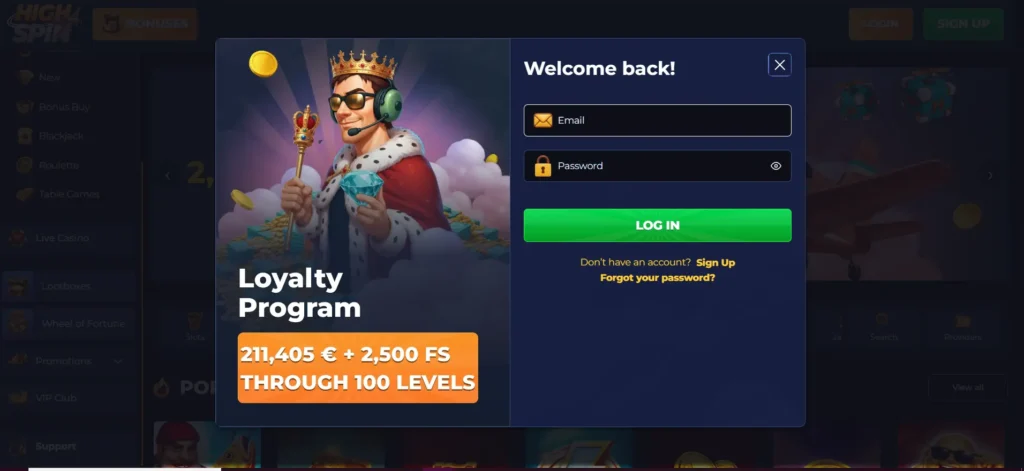
How to Log In to Your Highspin Account
Once you have registered an account at our casino, you can easily log in via the following steps.
- Click on the login tab at the top of the page.
- Input your email address and password.
- Donʼt save your password if you are logged in with a public device.
Accessing the Highspin Casino Login via PWA App
You can either log in via a browser or our progressive working app. The PWA offers faster sign in and higher account security. To log in to the mobile app
- Open the website using either Chrome for Android or Safari for iOS.
- Click the Share button and select “Add to homescreen.”
- Select the PWA once installed
- Click ” Login ” and input your personal details.
Newer phones might offer a Remember feature that allows each subsequent Highspin login to go on without inputting your password.
How to Sign Up: Complete Your Highspin Registration Instantly
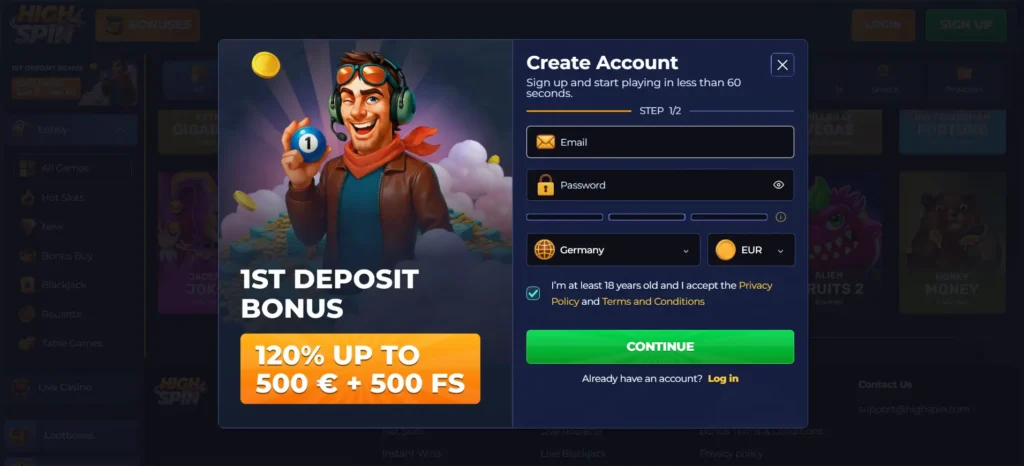
Complete the following steps to register an account in less than 3 minutes.
- Visit the site and click create account.
- Input your name, email and date of birth.
- Click “Register” to complete the Highspin Casino sign up process.
Once you sign up, ensure you make a deposit quickly so you can unlock our welcome package. Ensure you input the relevant code when making a deposit to ensure you capitalise on our bonuses.
If you canʼt open an account with us, then you might be in a restricted area where our gambling services are not permitted. Please note that using a VPN to access our services could result in account closure.
KYC Verification for New Players
Completing your KYC verification is the next big step after your first High Spin login, and it grants you withdrawal benefits. To complete your verification, you need to provide the following.
| Verification type | Accepted Documents |
|---|---|
| Proof of Identity | Photo of a government-issued ID, passport or driving licence |
| Proof of Address | Photo of a bank statement or utility bill showing your address |
Please note that your utility bill or bank statement must be issued within the last 90 days and must bear your full name and resident address. Account verification is usually completed within 3-5 days. If it takes longer or your Highspin verification fails, then reach out to customer support for guidance on how to proceed.
For your email and phone verification, we will send you a code. Once you receive the code and input it on our page, the verification will be complete.
Login Problems and Solutions at Highspin Casino
Below is a table of the common issues you might run into with your HighSpin register and login process
| Issue | Troubleshooting |
|---|---|
| Invalid email or forgotten password | Confirm your email address, reset your password |
| Account suspension for multiple accounts | Donʼt try to create a new account if you are already registered with us. Instead, reach out to customer support to regain access to your old account |
| Account lock for wrong password tries | Reach out to customer support for assistance in regaining access to your account |
| Geo-block errors | Make sure you are in the UK, and you are not using a VPN to access our services |
How to Reset Your Password When HighSpin Login Fails
Complete the following steps to reset your password.
- Visit our casino homepage.
- Input your email just like you would during a regular Highspin login.
- Select “Forgot password”, and you will receive an email asking whether you initiated the password reset process.
- Open the email and click reset password.
- Input a new password and donʼt save it if you are on a public device for extra security.
One thing to note is that too many password change requests might result in a temporary account lock. Additionally, you can also change your password directly from your profile by using the security tab. This method is a great way to change your password without the security issues that come with a full reset.
Account Management: How to Close Your Casino Profile Securely
Follow these steps to close your account with us.
- Visit your profile after your Highspin casino login UK.
- Go to your wallet tab and withdraw any available funds. If you have any funds locked by a bonus, i.e., bonus winnings that you havenʼt met their wagering requirement, then wait until you can withdraw before closing your account.
- Head to customer support.
- Request account closure and wait for the confirmation email.
- Once your account is closed, you will be unable to complete a Highspin log in.
Account closure is one of the common ways players self-exclude due to responsible gaming needs. Aside from account closure, we also have other helpful tools like timeouts, deposit limits, loss limits and access to third-party ecosystems like GamCare.